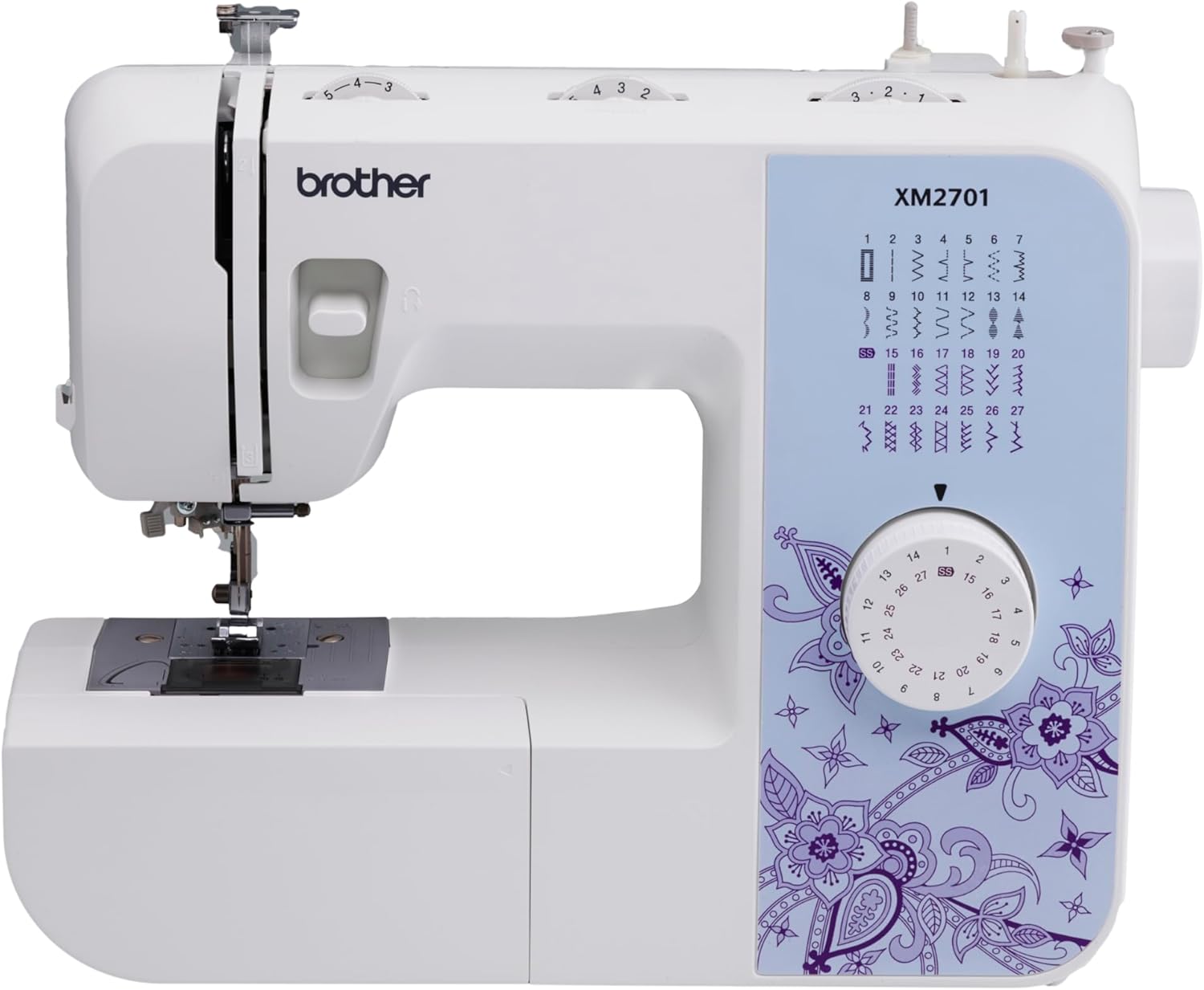
Current Price: $132 On Amazon
Lightweight, easy-to-thread mechanical sewing machine with 27 stitches and one auto buttonhole — perfect for beginners who want a low-cost, no-fuss start.

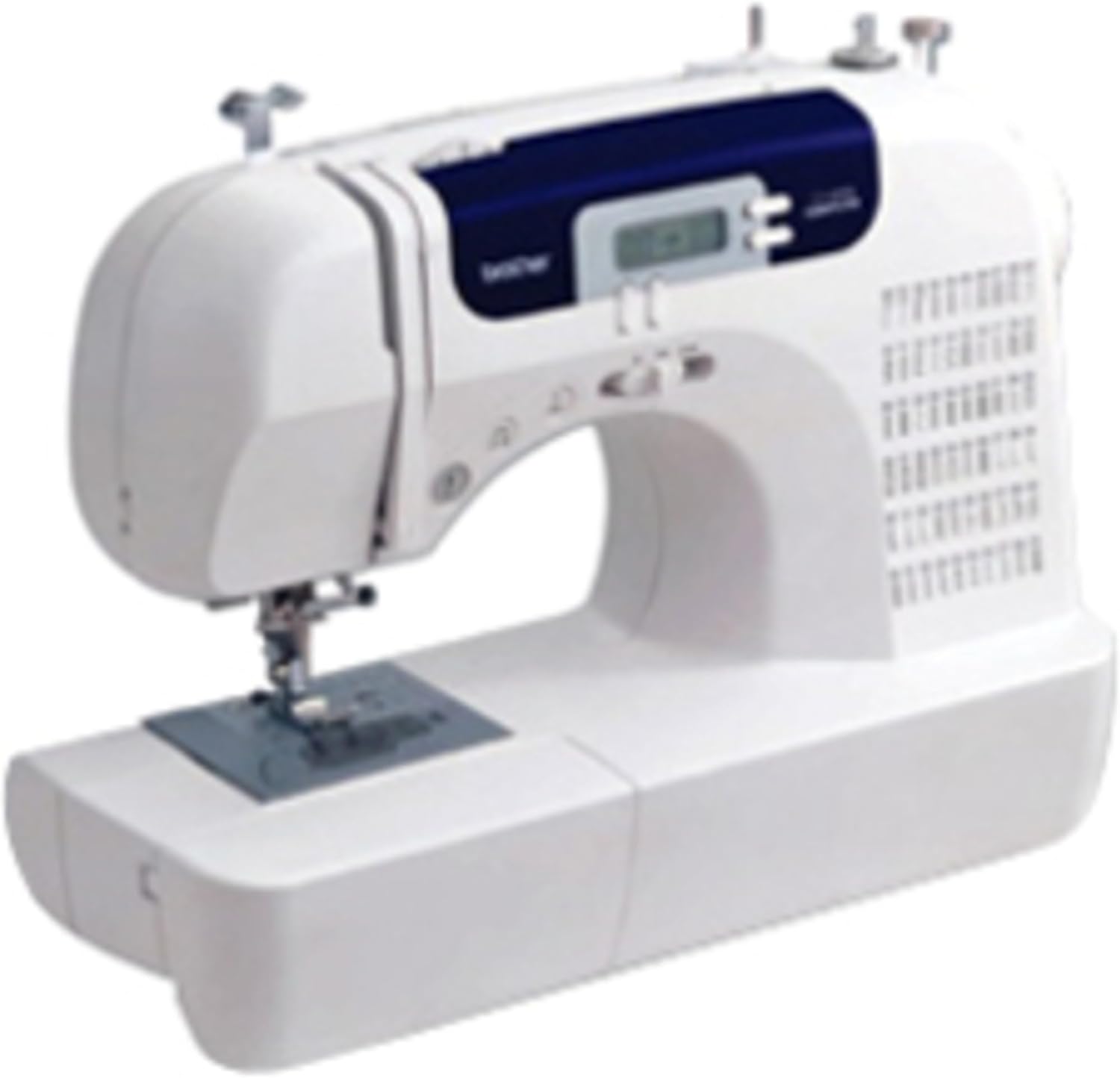
Current Price: $380 On Amazon
Computerized machine with 60 stitches, 7 buttonhole styles, and a wide table — built for sewists ready to quilt, craft, and tackle bigger projects.
Introduction
A few weeks ago I pulled up Amazon to recommend a machine to my sister, who’s just starting to sew. I already own both the Brother XM2701 and the Brother CS6000i — I’ve had the XM2701 for a couple of years and picked up the CS6000i later when I got more serious about quilting. I expected the CS6000i to be a little pricier, like it always has been. What I did not expect was to see it sitting at $380 next to the XM2701’s $132.
That’s not a small gap. That’s “did I misread this” territory.
So before I told my sister anything, I needed to understand what was actually going on — because a price jump like that usually means one of two things: either the more expensive machine got dramatically better, or something else entirely is driving that number up. I dug into it, cross-referenced it with what I already knew from using both machines for real projects, and the answer surprised me. I’ll walk you through exactly what I found, but more importantly, I’ll walk you through what actually happens when you sit down and sew with each of these — the stuff that never shows up in a spec sheet.
If you’re trying to decide between these two right now, this is the article I wish existed before I almost made a decision based on price alone.
Table of Contents
Quick TL;DR:
The XM2701 is a simple, reliable starter machine for basic sewing and mending. The CS6000i does more (quilting, varied buttonholes, thicker fabric) but is currently priced high due to it being phased out — check the CS7000X before paying that premium.
At-a-glance: Brother XM2701 vs CS6000i
| Features | Brother XM2701 | Brother CS6000i |
|---|---|---|
| Type | Mechanical | Computerized |
| Built-in Stitches | 27 | 60 |
| Buttonhole Styles | 1 (one-step) | 7 (one-step) |
| Presser Feet Included | 6 | 9 |
| Extension Table | Not included | Included |
| Weight | 7.2 lbs | Heavier, full-size |
| Speed Control Slider | No | Yes |
| Best For | Basic mending, beginners | Quilting, varied projects, growing sewists |
| Where To Buy | Check On Amazon | Check On Amazon |
The Real Problem: You’re Not Actually Comparing Two Current Products
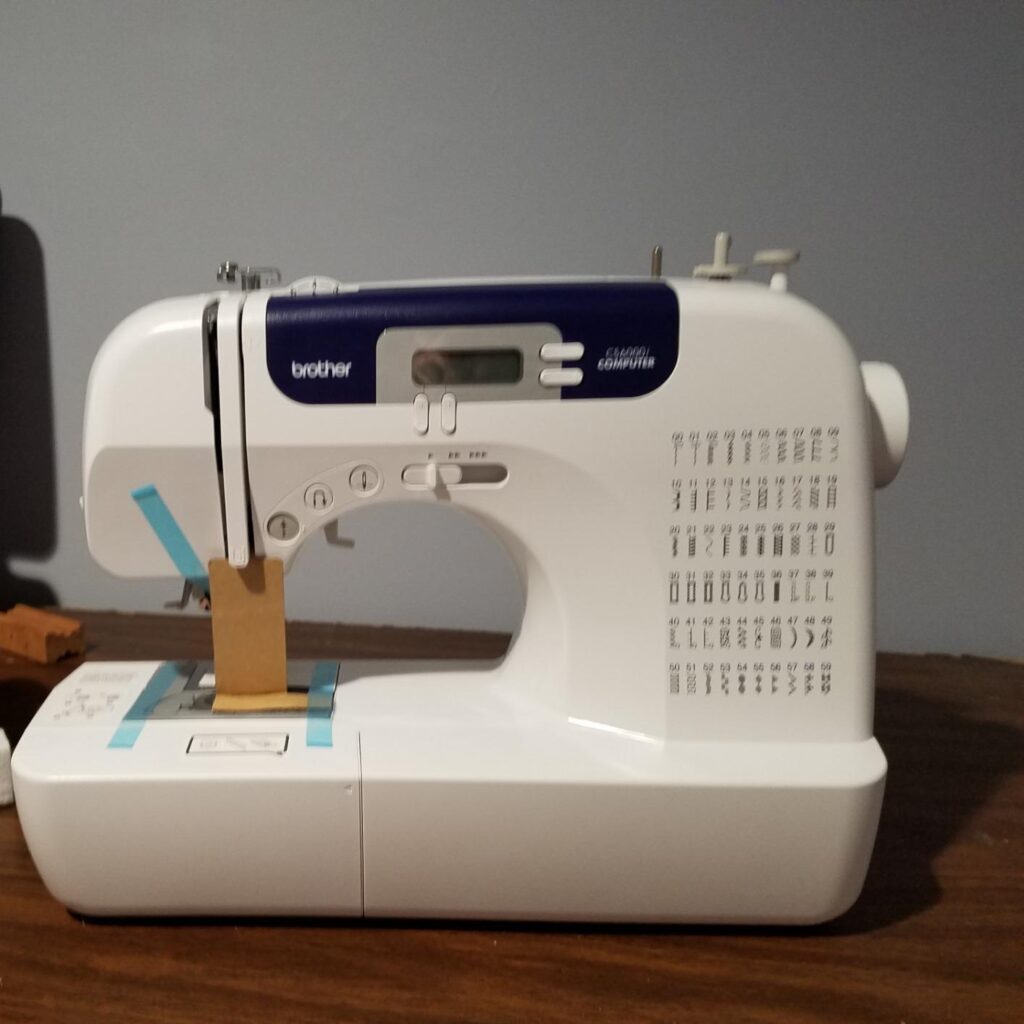
Here’s the thing nobody tells you upfront. Brother has already released two newer machines in the same product line as the CS6000i — the CS7000i and the CS7000X. The CS6000i is still technically for sale, but it’s the outgoing model, not the current flagship. The CS7000X is the direct replacement, and it comes with a metal chassis instead of the CS6000i’s plastic-heavy internal frame, which is a meaningful durability upgrade.
That matters because when a model is being phased out, retail pricing gets weird. Stock gets inconsistent, sellers who still have inventory price it like a premium item, and suddenly you’re looking at a “budget computerized machine” priced like it’s competing with machines that cost twice as much. When I checked the price history instead of just the current listing, it confirmed what I suspected: this isn’t a new normal price for the CS6000i, it’s a symptom of it disappearing from shelves.
So the real question isn’t “which machine has more stitches.” It’s: are you comparing a genuinely current beginner machine against a genuinely current step-up machine, or are you comparing a stable product against one that’s being slowly discontinued and priced accordingly?
That reframes everything else in this comparison. Keep it in mind as you read the rest of this, because it changes what “worth it” actually means here.
It Skips Stitches and I Can’t Figure Out Why?
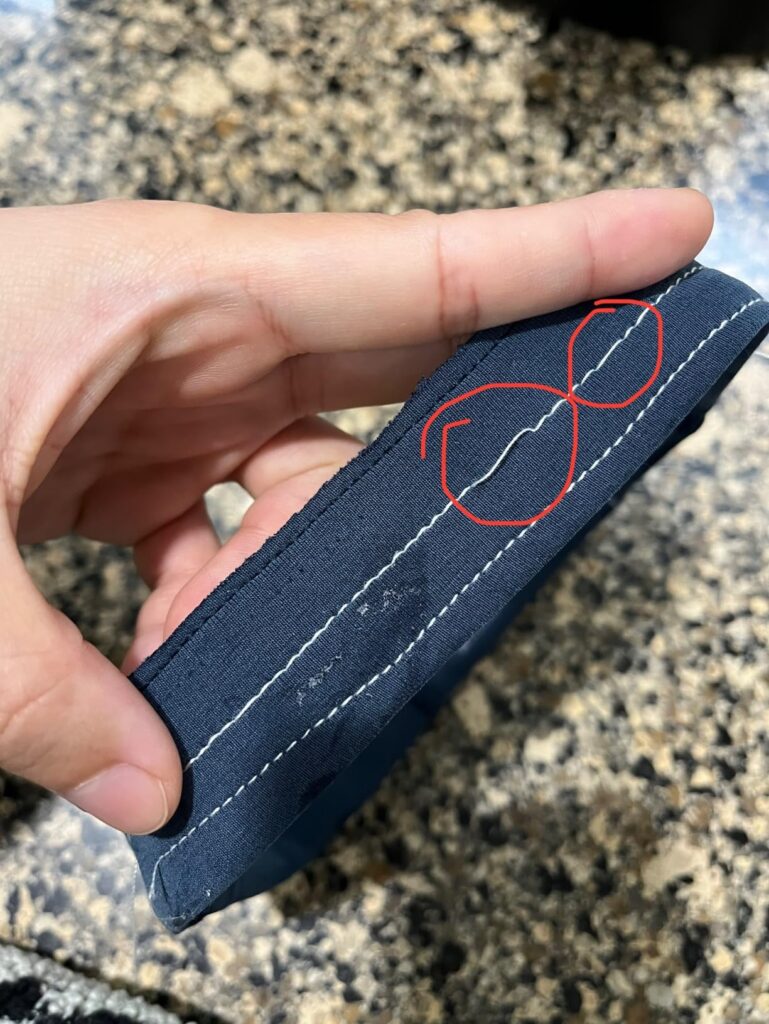
I was hemming a pair of curtains — medium-weight cotton, nothing exotic — and the XM2701 machine started skipping stitches every few inches. My first instinct was that I’d threaded it wrong, so I rethreaded from scratch. Same problem. I checked the needle — it looked fine, but I swapped it anyway, because a slightly bent or dull needle is one of the most common (and least obvious) causes of skipped stitches. That fixed about half the problem.
The rest turned out to be tension. The XM2701 doesn’t have a digital display telling you anything is off — it’s a mechanical dial, so you’re troubleshooting by feel and by looking at the underside of your fabric. Once I loosened the upper tension slightly and tested on a scrap first, the stitching evened out. But this is the kind of fix that takes real trial and error, and if you’ve never sewn before, “loosen the tension dial a little and test again” isn’t intuitive advice — you have to already understand what uneven tension looks like to know that’s your problem.
When I later worked on a similar hemming job with the CS6000i, the difference was immediate. Because it’s computerized, it auto-sets tension and stitch length based on the stitch you select, and the LCD screen tells you exactly what’s selected. I still occasionally get uneven stitching on thicker layers, but I’ve never had to diagnose it blind the way I did with the XM2701.
I Don’t Have Time to Relearn a New Machine Every Project
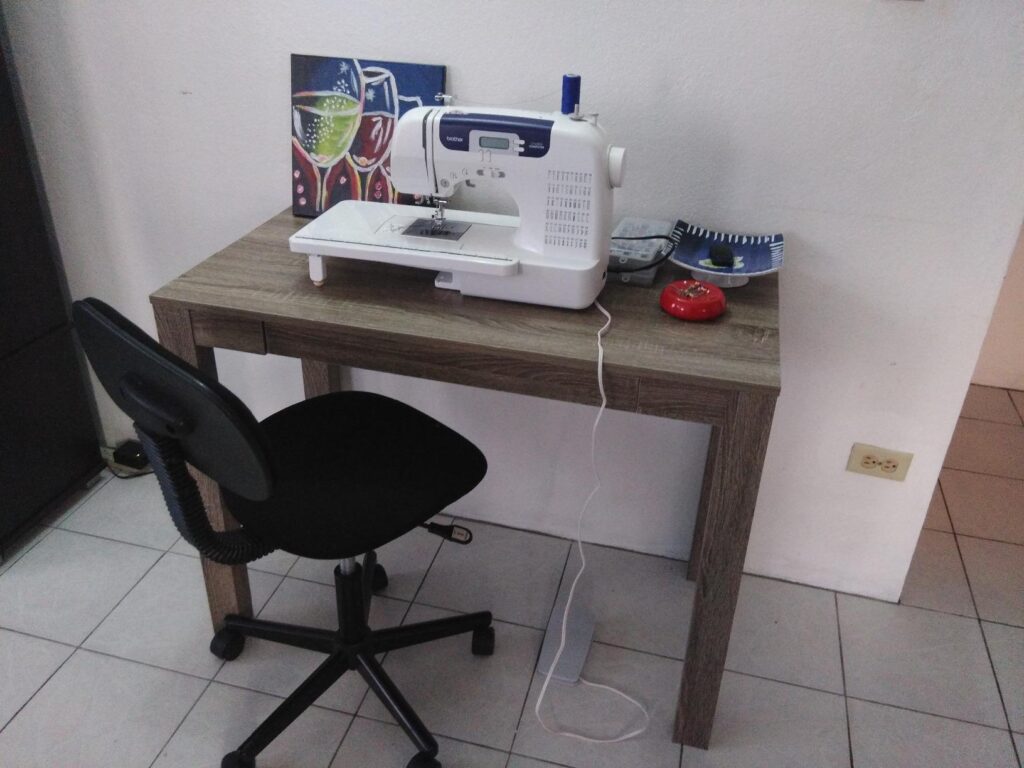
This is where the CS6000i genuinely earned its keep for me, and it’s not about stitch count — it’s about how fast I can move between different project types.
I make a lot of small, quick projects: tote bags one week, a costume patch the next, quilt blocks after that. With the XM2701, switching between stitch types means physically turning a dial and remembering (or checking the printed guide on the machine) what stitch length and width that dial position needs. It works, but it’s friction, especially mid-project when your hands are already full of fabric.
With the CS6000i, I press a button, the LCD shows the stitch, and the machine sets length and width automatically. The first time this mattered for me was making a quilted table runner — I was jumping between a straight stitch for piecing, a zigzag for finishing raw edges, and a decorative stitch for the top layer. On the XM2701, that would’ve meant three manual dial adjustments and probably a test swatch each time to make sure I hadn’t overshot the settings. On the CS6000i, it was three button presses.
The speed control slider is the other thing that made a real difference, and it’s easy to undersell in a spec list. When I’m doing detail work — like stitching close to a curve on an appliqué — I slide the speed down so I’m not fighting the machine’s default pace. That’s not a “nice to have” feature to me anymore; it’s the reason I trust the CS6000i with fussier work.
Will This Thing Still Work in Five Years?
This is the question I actually cared about most, because I don’t want to rebuy a sewing machine every two years.
The CS6000i has an unusual track record for a budget-tier machine — it’s been one of Amazon’s bestselling sewing machines for over a decade, and Brother has continued supporting it with parts, bobbins, and accessories that stay interchangeable across its later machines (the CS7000i and CS7000X use the same SA156 bobbin type, for example). Brother also backs it with a 25-year limited warranty and free lifetime technical support, which matters more than people realize until they actually need a part replaced.
The XM2701 doesn’t have the same track record of use over years — but what I noticed personally, are feed dog issues: the teeth that grip and move your fabric occasionally failing to engage properly, usually traced back to lint buildup, a lowered feed dog lever, or the stitch length being set too low. None of these are catastrophic, and they’re all fixable in a few minutes once you know what to check. But it’s a maintenance quirk you should expect, not be blindsided by.
Here’s the twist, though, and it connects back to that price gap I mentioned at the start: the CS6000i’s longevity story is currently working against it. Because it’s being phased out in favor of the CS7000X, “new” units are getting harder to find at a fair price, which is very likely why you’re seeing it priced so much higher than its historical range right now. You’re not paying for five extra years of durability. You’re paying a scarcity premium on a model that Brother itself has already replaced.
Am I Just Paying Extra for a Name, or Is There a Real Difference?
This is the part that made me actually sit down and use both machines side by side on the same project — a set of simple tote bags — instead of relying on memory.
The honest answer: yes, there’s a real difference, but it’s not proportional to a 3x price difference. It’s proportional to maybe a $60–$100 difference in a normal market. The XM2701 does 27 built-in stitches including one automatic one-step buttonhole; the CS6000i does 60, including seven buttonhole styles, plus a wider table and more presser feet in the box. If your projects ever grow into quilting, garment construction with actual buttonholes (not just straight-stitch mending), or anything requiring stitch consistency across a long seam, the CS6000i’s extra stitch options and computerized consistency genuinely pay off.
But at $380 versus $132, you are not getting three times the machine. You’re getting maybe one and a half times the machine, and the rest of that price gap is the discontinued-model scarcity tax I mentioned earlier. That’s the piece almost every comparison article misses, because most of them were clearly written by pulling spec sheets rather than by actually watching how these prices move over time.
The Buttonhole Looks Fine on the Machine But Falls Apart on the Garment
I almost left this one out because it felt too specific, but it’s exactly the kind of thing that never shows up in a spec comparison and completely changes how a project goes.
I made a set of pajama pants for my kid on the XM2701, which needed a single buttonhole for the drawstring opening. The XM2701 does one-step automatic buttonholes, so in theory you attach the buttonhole foot, select the stitch, and the machine handles the sizing. In practice, my first attempt came out uneven — one side of the buttonhole was noticeably denser than the other. I assumed I’d mounted the foot wrong, so I checked that first. It was seated correctly. The actual issue turned out to be fabric flagging: on lighter cotton, the fabric shifts slightly as the machine works around the buttonhole shape, and without a stabilizer underneath, the stitch density comes out uneven. Once I backed the area with a scrap of interfacing, the second attempt came out clean.
That’s a fixable problem, but it’s the kind of thing a beginner has no way of anticipating — the manual doesn’t really flag “use a stabilizer on lightweight fabric” as clearly as it should.
On the CS6000i, I ran into a related but different situation. It has seven buttonhole styles instead of one, which sounds like a minor spec bump until you’re making something like a shirt with several button sizes, or a bag with a buttonhole that needs to be narrower to match a smaller button. Because the machine calculates buttonhole size using the button holder on the presser foot itself, I’ve been able to get consistent results across different button sizes without doing the manual multi-pass buttonholes I used to do by hand-adjusting stitch width on the XM2701. It’s a small thing, but on any project with more than one buttonhole, it adds up to real time saved and far less unpicking.
Denim is the other place this shows up. I’ve patched knees on the same pair of jeans using both machines at different points. The XM2701 can handle a single layer of medium denim without much complaint, but push it to two or three layers — like where a pocket seam overlaps — and you’ll feel the motor start to labor, and you’ll sometimes get a skipped stitch right at the thickest point. It’s not that the machine can’t do it; it’s that you have to slow down, sometimes turn the handwheel manually for the first stitch or two through the thick spot, and use a heavier needle. The CS6000i handles the same thick-seam situation more comfortably thanks to a slightly stronger motor and the adjustable speed slider, which lets you slow down through the thick spot without stalling out the way a foot pedal alone sometimes does.
Neither machine is built for genuinely heavy-duty denim or upholstery work — if that’s your main use case, you’d want to look outside this comparison entirely. But between these two, thick-seam denim is where the CS6000i’s extra power becomes noticeable rather than theoretical.
What Nobody Tells You About Learning Curve
There’s a version of this comparison that assumes “computerized = harder to learn” and “mechanical = easier for beginners.” That has not matched my experience at all, and I think it’s worth saying directly because it’s repeated so often in other articles.
My daughter, who is eleven and had never touched a sewing machine before, actually found the CS6000i easier to start on than I expected, precisely because the LCD screen tells her what’s selected and she doesn’t have to interpret a dial position against a printed chart on the machine body. The XM2701 requires you to cross-reference a small printed guide to know what stitch length and width a given dial setting represents, which is an extra translation step for someone who’s never sewn before. That said, the XM2701’s threading path is very clearly marked with molded arrows and numbers directly on the machine, which makes the initial threading process — historically one of the most frustrating parts of learning to sew — genuinely approachable.
So the real learning curve difference isn’t “hard machine vs. easy machine.” It’s “different types of friction.” The XM2701 front-loads friction into interpreting dial settings. The CS6000i front-loads friction into simply having more buttons and options to get familiar with, even if each one is self-explanatory once you find it.
So Which One Should You Actually Buy?
Instead of a generic “buy X if you’re a beginner, buy Y if you’re advanced” answer, here’s how I’d actually think about it based on real use:
Buy the XM2701 if: your projects are simple and repetitive (hemming, basic mending, straightforward garment construction), you’re comfortable doing a little hands-on troubleshooting when tension or feed issues pop up, and you want to spend the least amount of money to find out if sewing is something you’ll stick with.
Current Price: $132 On Amazon
Lightweight, easy-to-thread mechanical sewing machine with 27 stitches and one auto buttonhole — perfect for beginners who want a low-cost, no-fuss start.
Buy the CS6000i if: you already know you want to do varied projects — quilting, garments with real buttonholes, decorative stitching — and you can find it at something closer to its historical $150–$200 range rather than the current inflated pricing. At that price, it’s genuinely worth the jump.
Current Price: $380 On Amazon
Computerized machine with 60 stitches, 7 buttonhole styles, and a wide table — built for sewists ready to quilt, craft, and tackle bigger projects.
Final Verdict
Don’t pick the machine with more buttons. Pick the machine that matches your next project. If you just need to hem, patch, and mend, the XM2701 does the job for less money, and it’s not going anywhere in a year. If you’re already dreaming about quilts, real garments, or gifts with proper buttonholes, spend the extra money — but shop around first, since the CS6000i’s price right now is inflated because it’s on its way out, not because it got better. Buy for where you actually are today, not for who you hope to become as a sewist.
Related Articles:
FAQs
Q1. Is the Brother CS6000i worth $380 right now?
Not really. That price is high mainly because the machine is being phased out. Try to find it closer to its normal $150–$200 range, or check the CS7000X instead.
Q2. Can true beginners use the CS6000i, or is it too advanced?
No, it’s actually beginner-friendly. The screen tells you what to do, which can be easier than reading dial settings on the XM2701.
Q3. Does the XM2701 break down more often?
Not exactly “break down” — but it needs more hands-on troubleshooting, like fixing tension or cleaning the feed dogs, since it has no screen to guide you.
Q4. Which machine handles thick fabric like denim better?
The CS6000i. It has a bit more motor power and a speed slider, so it doesn’t strain as much on thick seams.
Q5. Should I just buy the CS7000X instead of both of these?
If it’s priced close to the CS6000i, yes — it’s the newer model with a sturdier metal frame, so it’s the safer long-term buy.