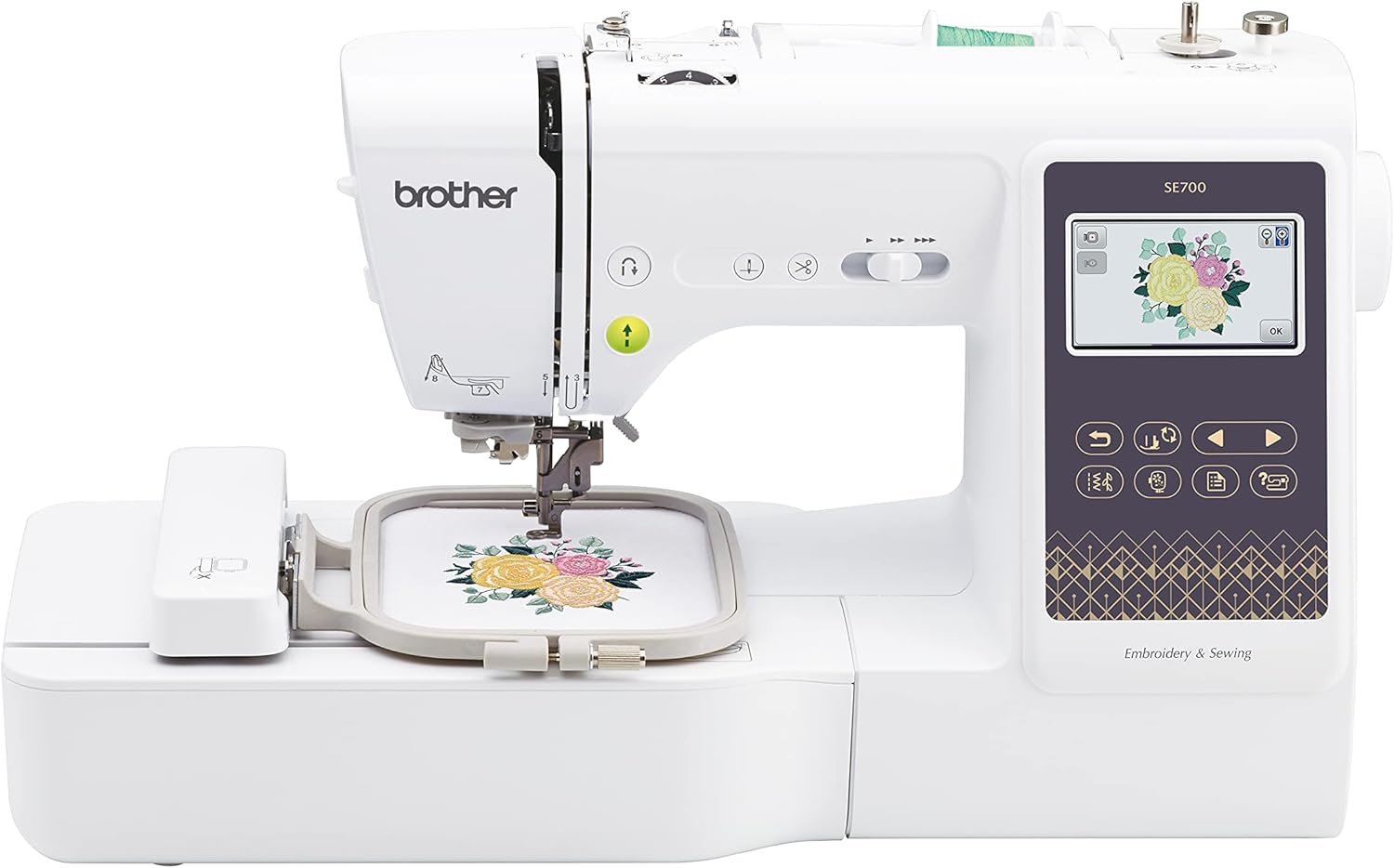
Current Price: $482 On Amazon
- 135 designs
- Wi-Fi transfer
- Knee lifter
- Bigger screen
- Independent bobbin winder

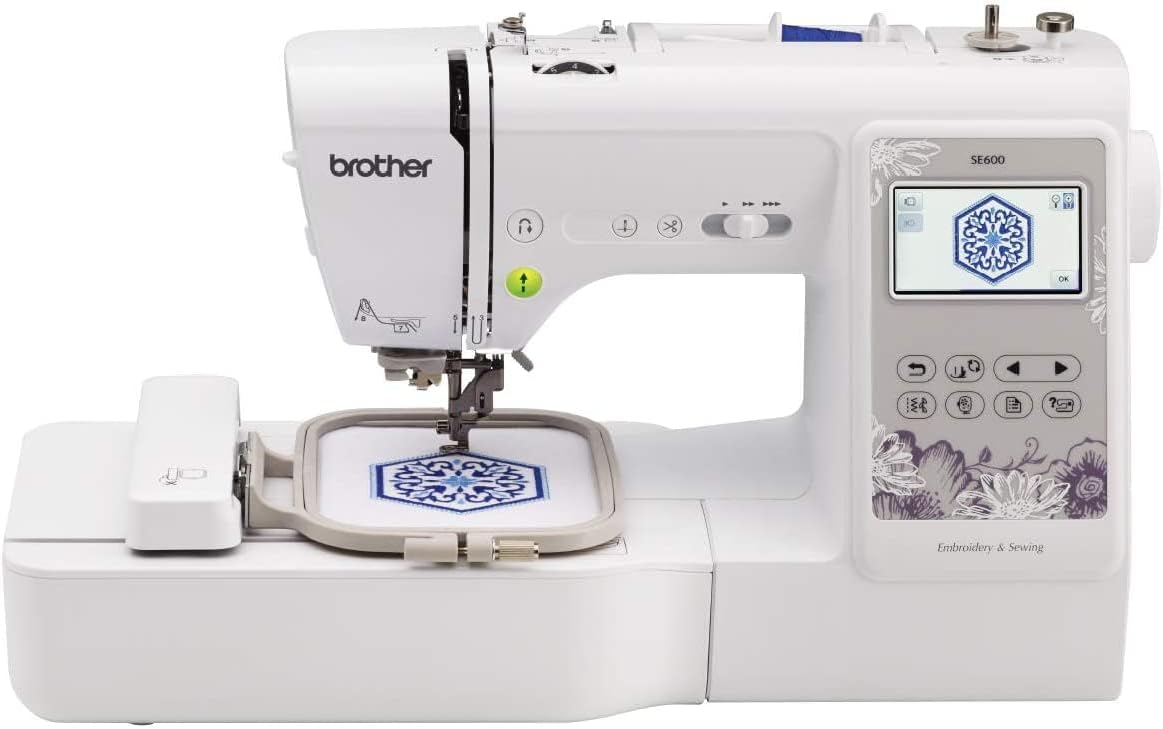
Current Price: $426 On Amazon
- 80 designs
- USB transfer
- Proven reliability
- Great entry-level option
Introduction
Six months ago, I bought the Brother SE600 and honestly?
I thought I had everything I needed. It was my first embroidery machine, it worked great, and I was happy with it.
But then a client sent me an order — a bulk embroidery job with detailed, large designs — and suddenly my SE600 wasn’t going to cut it.
I needed more embroidery area. I needed more built-in designs.
I needed the SE700. So I ordered it the same night, no second thoughts. And let me tell you, that one decision saved me hours of work.
Now I own both machines. I’ve used them side by side, tested every feature, pushed them both to their limits — and I’m ready to tell you exactly which one you should buy if you’re stepping into embroidery for the first time.
No fluff, no tech jargon. Just real experience. Let’s get into it.
Table of Contents
Quick TLDR:
The SE700 is the better machine — more designs, Wi-Fi transfer, knee lifter, independent bobbin winder, and a bigger touchscreen. It’s the upgraded version of the SE600 in every way that matters. And since it’s currently priced lower than the SE600, there’s really no reason to pick the older model.
At-a-glance: Brother SE600 Vs SE700!
| Features | SE600 | SE700 |
|---|---|---|
| Built-in Designs | 80 | 135 |
| Embroidery Fonts | 6 | 10 |
| Touchscreen | Standard | Larger |
| Wi-Fi / Artspira App | ❌ | ✅ |
| Knee Lifter | ❌ | ✅ |
| Auto Height Adjustment | ❌ | ✅ |
| Independent Bobbin Winder | ❌ | ✅ |
| Max Sewing Speed | 710 SPM | 710 SPM |
| Embroidery Area | 4×4 inch | 4×4 inch |
| Best For | Budget buyers | Everyone else |
| Where To Buy | Check On Amazon | Check On Amazon |
What Brother SE600 vs SE700 have in common?
Before we get into the differences, let’s quickly cover what both machines bring to the table — because honestly, they have a lot in common.
Both the SE600 and SE700 are computerized sewing and embroidery combo machines, meaning you can use them for regular sewing and embroidery.
Both connect to your computer via USB so you can import your own designs.
Both have a built-in color touchscreen, automatic needle threader, and come with embroidery hoops included.
They both use the same basic stitch types, have a drop-in bobbin system, and are beginner-friendly in terms of setup.
So if you’re looking at these two side by side, you’re not comparing a basic machine to an advanced one — you’re looking at two solid machines from the same family, where one just takes things a step further.
Brother SE600 vs SE700: Differences
1. Built-in Embroidery Designs & Fonts
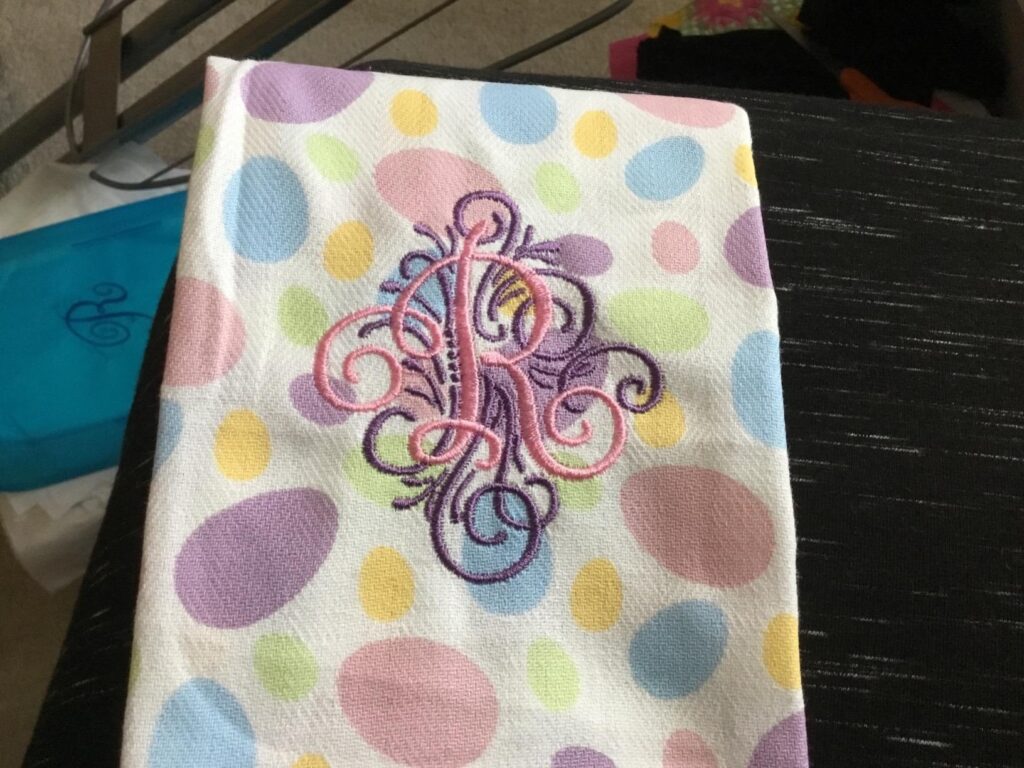
This is the big one. This is literally the reason I bought the SE700.
The SE600 gives you 80 built-in embroidery designs and 6 lettering fonts. For everyday projects, that’s honestly fine.
I used it for months without any complaints.
But then my client came to me with a personalized embroidery order — it required a specific style of lettering that I just couldn’t find in the SE600’s 6 fonts.
I spent time trying to figure out if I could somehow create or import a custom font into the SE600. I couldn’t.
The machine simply doesn’t support it the way I needed.
That’s when I looked at the SE700. It comes with 135 built-in designs and 10 lettering fonts.
More variety, more styles, more flexibility.
I ordered it, set it up, found the font my client needed right there in the machine — and got the job done without any headache.
If you’re just doing basic embroidery for yourself, the SE600’s fonts might be enough.
But the moment a client or a project needs something more specific, you’ll feel that limitation fast. Trust me, I learned that the hard way.
2. Wi-Fi / Wireless Connectivity
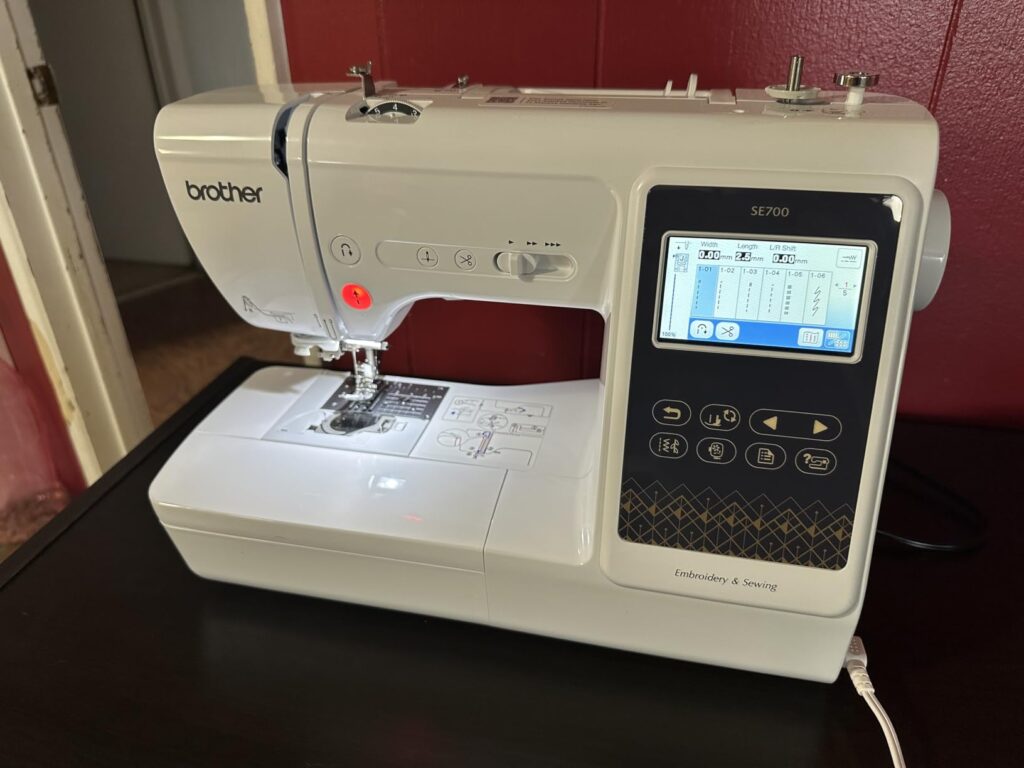
This one sounds like a small thing. It’s not.
The SE600 has zero wireless capability. Every single time you want to load a new design, you have to save it to a USB drive, walk over to your machine, plug it in, and transfer it.
It works, but it gets old fast — especially when you’re working on multiple projects and switching designs constantly.
The SE700 has built-in Wi-Fi. You can transfer designs directly from your phone or computer to the machine wirelessly. No USB, no back and forth, no interruptions.
Now, the Brother Artspira app — I’ll be honest, I don’t use it much. It’s a bit overwhelming for the kind of work I do. It’s more built for people who want to create and edit designs digitally from scratch, and that’s not really my workflow.
But the wireless transfer itself? That I use all the time. Here’s how it actually saves me hours — when I’m browsing Pinterest or Instagram and I spot a design I want to recreate, I download it, convert it to an embroidery file on my phone, and send it straight to the SE700.
No USB hunting, no plugging and unplugging. The design is on the machine in under a minute and I’m already stitching.
When you’re running multiple orders in a day, that adds up to a lot of saved time.
3. Knee Lifter
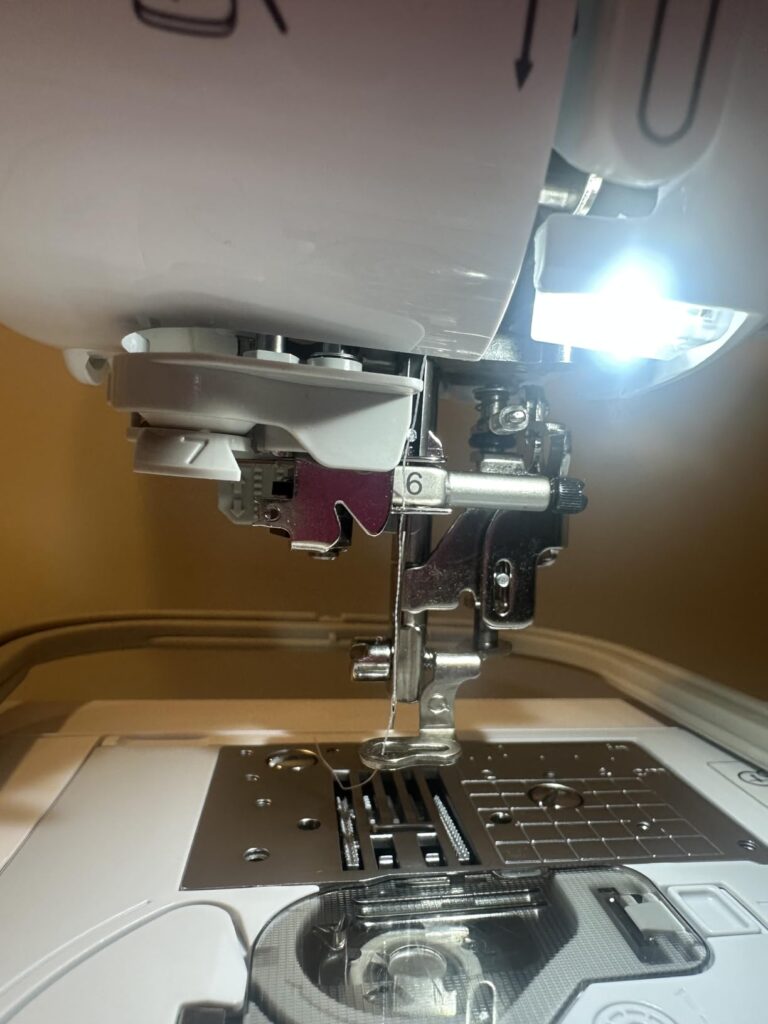
This feature doesn’t get talked about enough. And honestly, before I used the SE700, I didn’t even know how much I needed it.
The SE700 comes with a knee lifter — a small lever that sits under your work table and connects to the machine.
You press it with your knee to raise and lower the presser foot, completely hands-free.
The SE600 doesn’t have this. You’re manually reaching up to lift the presser foot every single time.
I remember when I was working on a large tote bag — thick fabric, multiple layers, and I needed to keep repositioning it every few inches to stay on the design line.
With the SE600, every reposition meant stopping, lifting the presser foot with my hand, adjusting the fabric, putting the foot back down, then continuing. Both hands constantly leaving the fabric.
With the SE700’s knee lifter, I just nudge my knee, reposition the fabric with both hands keeping full control, release my knee, and keep going.
The fabric never shifts the wrong way because I never lose my grip on it.
It sounds like a small comfort feature. But when you’re doing a detailed project that needs constant repositioning, it completely changes how smooth your workflow feels. Less stopping, less frustration, better precision.
4. Automatic Height Adjustment (AHA)
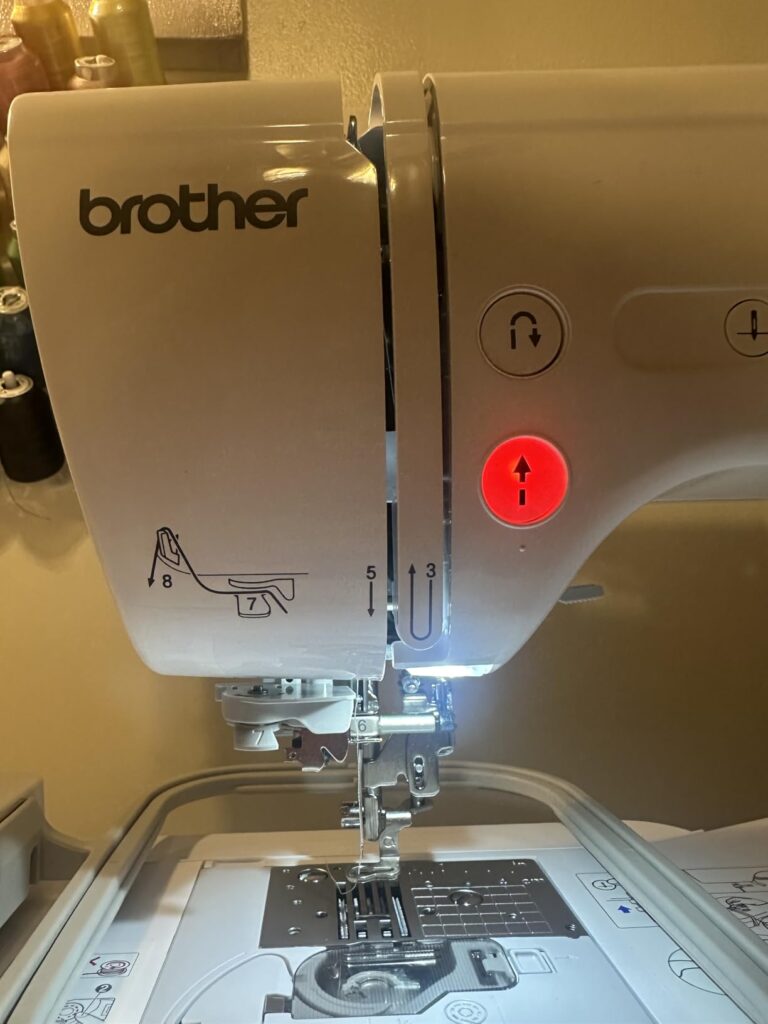
Okay this one is a game changer if you work with different fabric types.
When you’re sewing, not all fabric is the same thickness. A thin cotton piece is completely different from a thick denim or multiple layered fabric. And when your needle hits a seam — where two or more layers of fabric meet — that bump can cause uneven stitching, skipped stitches, or the fabric getting stuck under the foot.
The SE600 doesn’t adjust for this automatically. You have to manually figure it out yourself — changing settings, slowing down at seams, hoping for the best.
The SE700 has AHA — Automatic Height Adjustment. The presser foot literally senses the thickness of whatever is under it and adjusts itself on the fly. No manual settings, no guesswork.
But honestly, I don’t mind adjusting it manually. As I started my career with a completely traditional sewing machine where I had to adjust every single thing so I have that muscle memory to work with manual machines.
5. Independent Bobbin Winding Motor
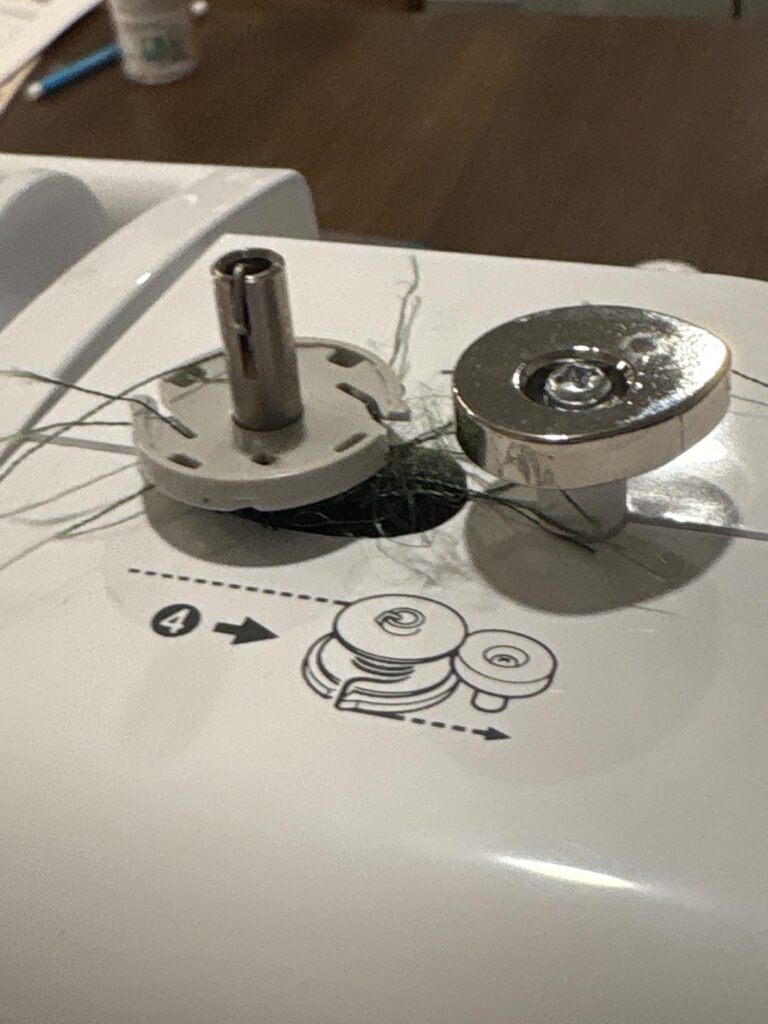
The SE700 has a separate, independent motor just for winding bobbins.
This means the bobbin winding system runs completely on its own — it doesn’t share the same mechanism as your needle and threading path.
In real life, this means you can pop out your empty bobbin, place it on the winding pin, and wind a fresh one while your upper thread stays exactly where it is.
Nothing gets disturbed. Nothing needs to be re-threaded.
When it’s done, drop the bobbin back in and keep sewing. The whole thing takes maybe 30–40 seconds.
On the SE600 (and most basic machines), this moment is genuinely painful.
I have to stop everything, unthread my needle, move the thread over to the bobbin winding pin, wind it, then re-thread the entire machine back from scratch. By the time I’m done, I lost my rhythm and this pisses me very off.
6. Touchscreen — Bigger Makes a Real Difference
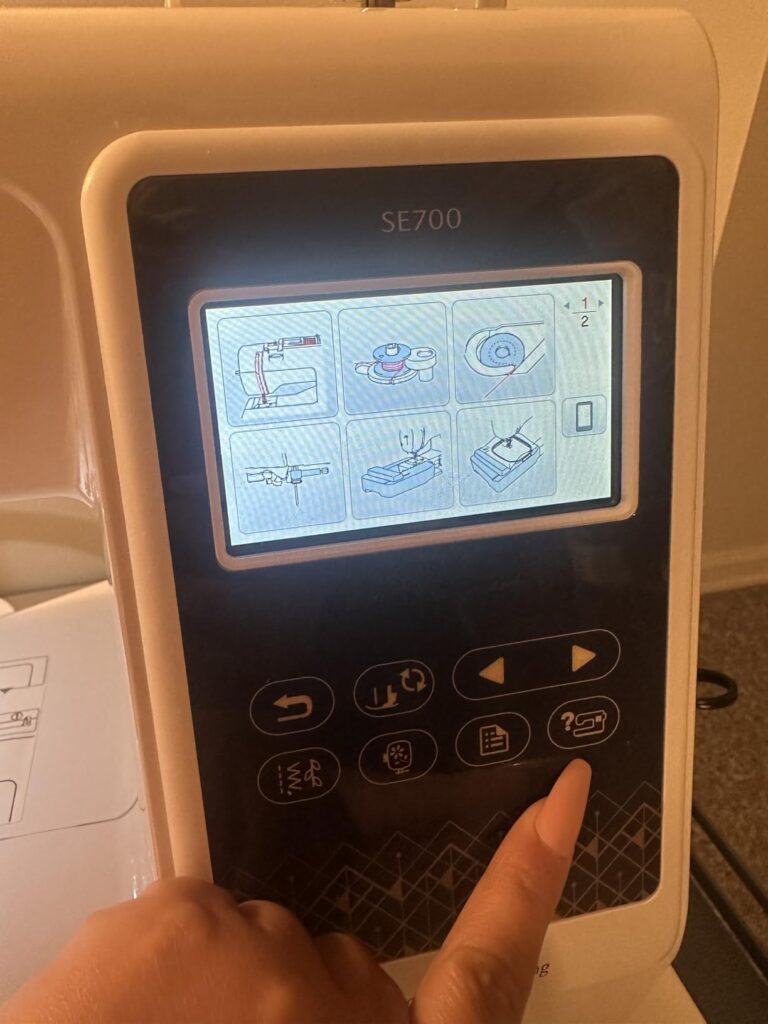
When you’re sitting at your machine trying to pick a design, adjust a stitch, or resize an embroidery pattern, the last thing you want is to be squinting at a tiny screen and fumbling with small buttons.
The SE600’s touchscreen gets the job done, but it feels a little cramped — especially when you’re scrolling through designs or trying to make precise adjustments.
The SE700’s larger display gives me noticeably more breathing room. Everything is clearer to see, easier to tap, and just feels more comfortable to work with.
Which One Should You Actually Buy?
Current Price: $482 On Amazon
- 135 designs
- Wi-Fi transfer
- Knee lifter
- Bigger screen
- Independent bobbin winder
Buy the SE700. Full stop.
Here’s the honest truth — the SE600 was a great machine when it launched. But the SE700 came along, fixed almost every minor frustration the SE600 had, added genuinely useful features like wireless design transfer, the independent bobbin winder, the knee lifter, and a bigger screen — and then somehow ended up cheaper than the older model. That almost never happens in the sewing machine world.
The only person who should consider the SE600 is someone who finds it at a dramatically lower clearance price and purely needs a basic entry machine for occasional light sewing. Even then, think twice.
But if you’re someone who actually loves to sew — who sits down for long sessions, burns through bobbins, transfers designs regularly, and wants a machine that keeps up with you rather than slowing you down — the SE700 is built for you. Every upgrade it has over the SE600 is practical. Not flashy. Not a gimmick. These are features that solve real, everyday frustrations that sewers actually face at the machine.
The SE700 is one of those rare cases where you get more machine for less money. Don’t overthink it.
Final Verdict
The SE700 wins this comparison without much of a fight.
It takes everything that made the SE600 popular — the reliability, the beginner-friendly design, the combo sewing and embroidery in one machine — and makes it genuinely better in all the right places.
Better screen, smarter bobbin system, wireless connectivity, more designs, and hands-free features that actually save you time at the machine.
The SE600 had a good run, but in 2026 it’s simply hard to justify buying the older, more expensive, less capable machine when its own successor costs less.
Save your money, get more features, and spend that extra energy on your actual projects.
The SE700 is the one to buy.
Related Articles:
FAQs
Q: Is the SE700 really better than the SE600?
Yes. More designs, Wi-Fi, bigger screen, knee lifter, and independent bobbin winder — at a lower price. It wins on every front.
Q: Can both machines use custom designs?
Yes. Both support USB design import. The SE700 also adds wireless transfer via the Artspira app, making it much faster and easier.
Q: Is the SE700 good for beginners?
Absolutely. It’s actually one of the friendliest beginner machines out there — easy touchscreen navigation, automatic needle threader, and guided setup make it approachable from day one.
Q: What is the embroidery area on both machines?
Both have the same 4×4 inch embroidery area. Neither is better for large designs, so if you need bigger — look at the Brother PE800 instead.
Q: Is the SE600 still worth buying in 2025?
Only if you find it at a significant discount. Otherwise, the SE700 gives you more for less money right now.