Current Price: $1,399
Get this if you have specific larger projects in mind, might sell your work eventually, or just want room to grow without limitations. The 5x7 embroidery field and automatic jump stitch trimming make it worth the extra investment for anyone serious about the craft.

Current Price: $539 on Amazon
Perfect if you're starting out with embroidery and sticking to smaller projects like personalized gifts, baby clothes, or pocket logos. The 4x4 work area handles most basic designs, and the price point makes it less risky if you're not sure embroidery is your thing long-term.
Introduction
So you’re looking at the Brother SE700 at $539 and the SE2000 at $1,399, and that $860 difference is making you sweat. I get it. That’s not pocket change.
But here’s what’s really keeping you up at night: you’re worried you’ll buy the cheaper SE700, fall in love with embroidery, and then realize six months later that you’ve outgrown it. Now you’re stuck either living with frustration or buying the SE2000 anyway. That’s $1,938 total. Ouch.
Let me walk you through what that $860 actually buys you, and more importantly, help you figure out if you’re going to be that person who regrets going cheap.
Table of Contents
TL;DR
SE700 ($539) works great for small projects like logos, baby items, and monograms. SE2000 ($1,399) is for larger designs, faster work, and anyone who might sell their embroidery. The $860 difference buys you a bigger work area (5×7 vs 4×4) and automatic thread trimming. If you’re questioning whether 4×4 is enough, it probably isn’t—get the SE2000.
Related Articles:
At-a-glance: Brother SE2000 vs SE700
| Features | SE700 | SE2000 |
|---|---|---|
| Amazon Price | $539 | $1399 |
| Embroidery Area | 4x4 inches | 5x7 inches |
| Stitching Speed | 710 SPM | 850 SPM |
| Built-in Designs | 103 | 138 |
| Jump Stitch Trimming | Manual (15-20 min) | Automatic |
| Best For | Small projects, beginners testing waters | Larger designs, serious hobbyists, side businesses |
| Where To Buy | Check On Amazon | Check On Amazon |
The Question Nobody Asks (But Everyone Should)
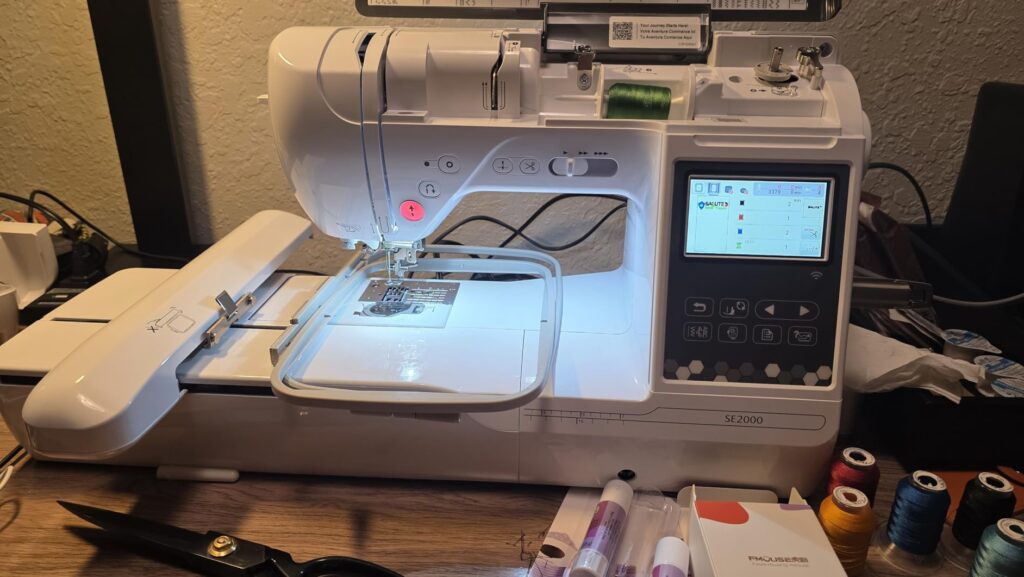
When people compare these machines, they list specs. Hoop sizes. Built-in designs. Stitches per minute. All true, all accurate, all completely missing the point.
The real question isn’t “what’s different?” It’s this: “Will I hit the ceiling of what the SE700 can do before I lose interest in embroidery?”
Because if you’re one of those people who dives deep into hobbies, that 4×4 inch embroidery area on the SE700 is going to feel cramped real fast. And if you’re eyeing this for anything business-related, even small-scale, you’re going to need the SE2000’s 5×7 capability.
Let me explain why that matters more than you think.
When 4×4 Inches Feels Huge (And When It Doesn’t)
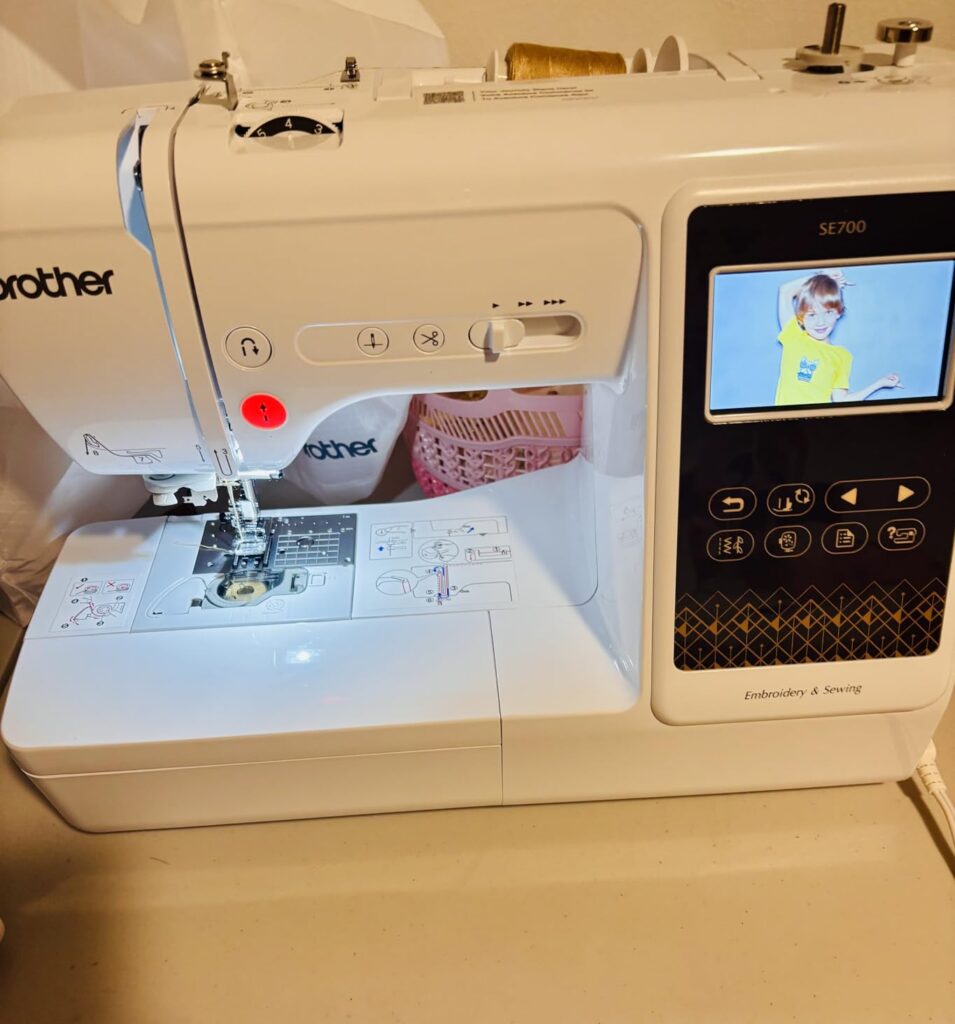
In the beginning, 4×4 inches sounds pretty reasonable. You can embroider:
- Pocket logos
- Baby onesies
- Kitchen towels
- Small patches
- Hat designs
- Basic monograms
For a lot of people, that’s perfectly fine forever. But then there’s the other scenario.
You start following embroidery accounts on Instagram. Someone posts this gorgeous floral design that covers the entire back of a denim jacket. You find a pattern you love for a big decorative pillow. Your sister asks if you can put a large design on the back of her wedding jean jacket.
You open the file and… it’s 5.5 inches wide.
Here’s Where Things Get Complicated
Now, you might be thinking: “Can’t I just buy a bigger hoop for the SE700?“
This is the part where a lot of people get tripped up, so let me be really clear about this.
The SE700 cannot stitch anything larger than 4×4 inches, even if you buy larger hoops.
The embroidery field – the actual area where the needle moves – is locked at 4×4 inches. It’s not about the hoop. It’s about what the machine can physically do.
“But I saw 5×7 hoops for sale that are compatible with SE700,” you’re thinking.
Yeah, those exist. But here’s what happens when you try to use a design bigger than 4×4 on the SE700:
You need software (like Embrilliance, which costs $150-300) to split your design into sections. Then you stitch the first section, stop, move the hoop, stitch the second section, stop, move the hoop again.
The problems?
- It takes three times as long
- You often get visible seam lines where sections meet
- Aligning everything perfectly is harder than it sounds
- You’re spending money on software anyway
This is what I call the “4×4 regret trap.” People think they’re saving money, then they’re buying splitting software and spending hours fighting with alignment. Eventually, they just buy the SE2000.
What That Extra $860 Actually Gets You?
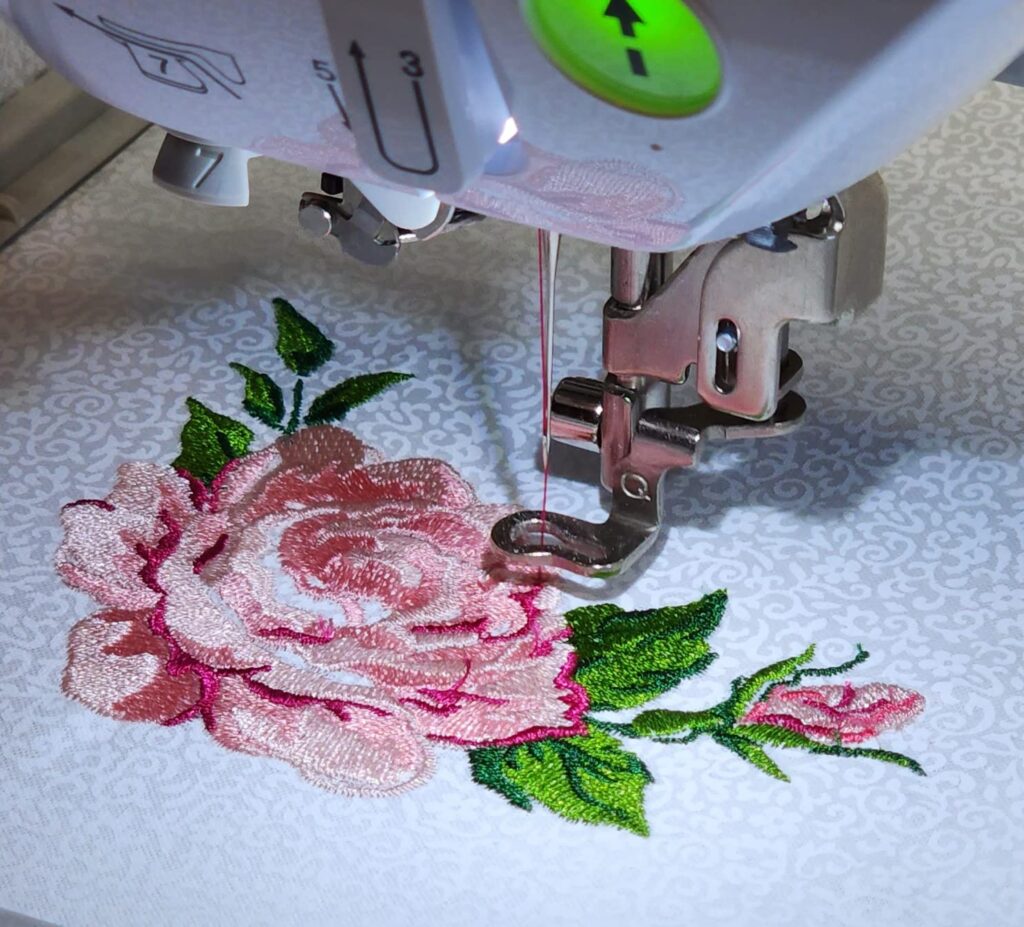
Okay, so let’s break down what you’re paying for beyond just hoop size.
The 5×7 embroidery field: This is the obvious one. You can stitch designs up to 5×7 inches in one go. No splitting, no seams, no software needed.
More built-in designs: The SE2000 has 138 built-in embroidery designs compared to the SE700’s 103. Not a huge difference, honestly. Most people end up buying or downloading designs anyway.
Faster stitching speed: The SE2000 runs at 850 stitches per minute versus the SE700’s 710 SPM. On a small design, you won’t notice. But on larger projects, that adds up. A design that takes 20 minutes on the SE700 might take 17 minutes on the SE2000.
Automatic jump stitch trimming: This is the feature nobody talks about but some people swear by.
When an embroidery design moves from one section to another, it creates “jump stitches” – little threads that connect different parts of the design. On the SE700, you have to snip these by hand after the design is done. Takes maybe 15-20 minutes depending on how complex the design is.
The SE2000 cuts these automatically as it goes. Your design comes out nearly finished. For someone embroidering 10 items a week, that’s hours saved each month.
But if you’re making one or two things a month? Trimming jump stitches while watching TV isn’t a big deal.
More advanced features: The SE2000 has some workflow improvements – better memory, more font options, editing capabilities. Nice to have, but probably not decision-makers for most people.
The Real Cost of Choosing Wrong: Brother SE2000 vs SE700
Let’s play this out both ways.
Scenario 1: You buy the SE700 and it’s enough
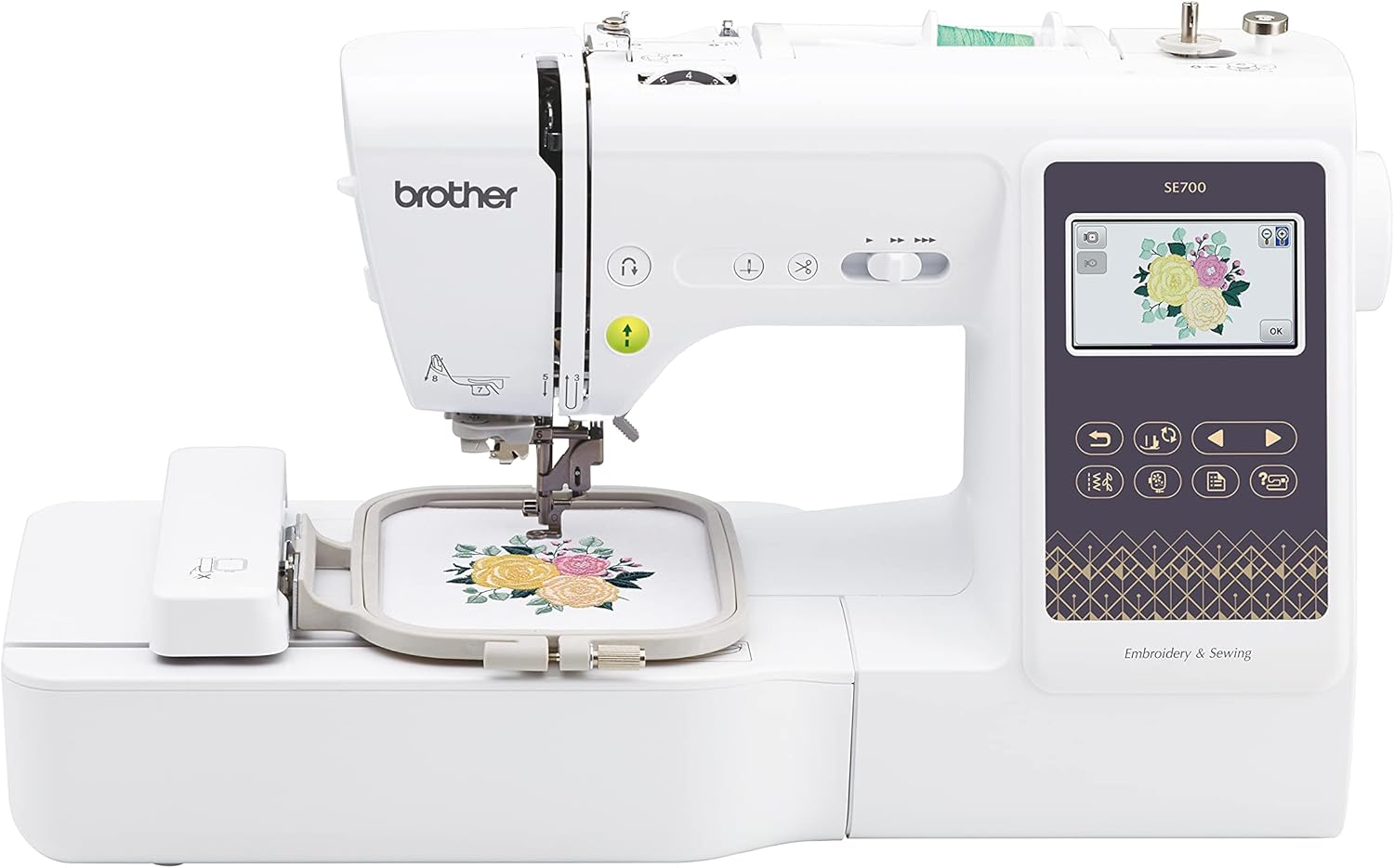
Current Price: $539 on Amazon
Perfect if you're starting out with embroidery and sticking to smaller projects like personalized gifts, baby clothes, or pocket logos. The 4x4 work area handles most basic designs, and the price point makes it less risky if you're not sure embroidery is your thing long-term.
You spend $539. You make personalized gifts, small projects, enjoy your hobby. You never bump up against the 4×4 limit because you’re perfectly content with smaller designs. You saved $860 and you’re happy.
This is the right choice if:
- You’re mainly doing names, monograms, small logos
- You’re not planning to sell items
- You like smaller, detailed work
- You don’t have specific larger projects in mind
Scenario 2: You buy the SE700 and outgrow it
You spend $539 initially. Six months later, you’re frustrated. You either buy splitting software for $200-300 and deal with the hassle, or you bite the bullet and buy the SE2000 for another $1,399.
Total spent: $1,738-$2,238. Plus you now have a machine you don’t use anymore.
Scenario 3: You buy the SE2000 and barely use it
You spend $1,399 upfront. Turns out embroidery isn’t your thing, or you only use it occasionally for simple projects. You feel like you overspent by $860.
This is the wrong choice if:
- You’re just testing the waters with embroidery
- You have no specific larger projects in mind
- Your budget is tight and that $860 matters a lot
- You mostly want it for basic sewing with occasional embroidery
Scenario 4: You buy the SE2000 and it’s perfect
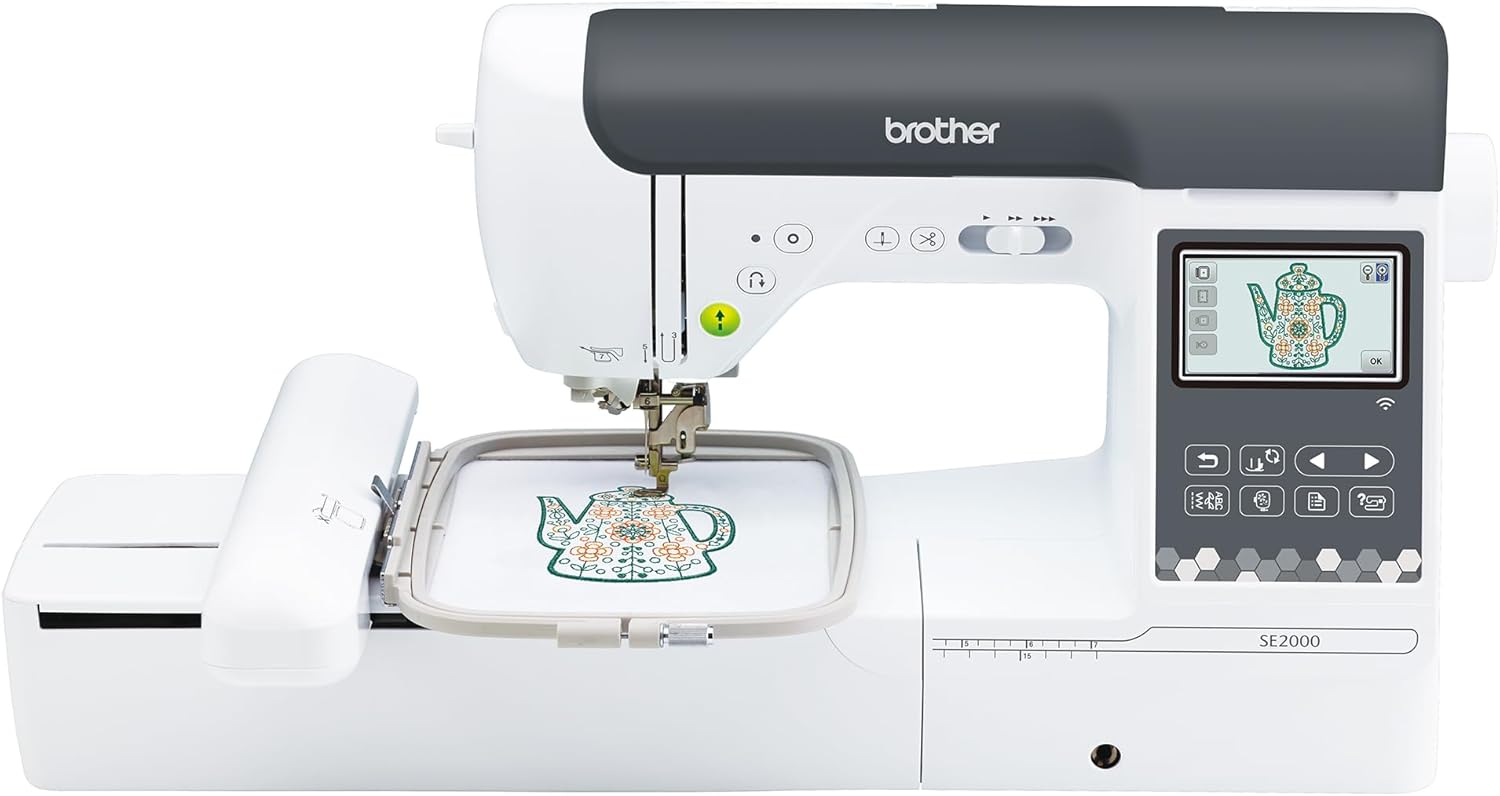
Current Price: $1,399
Get this if you have specific larger projects in mind, might sell your work eventually, or just want room to grow without limitations. The 5x7 embroidery field and automatic jump stitch trimming make it worth the extra investment for anyone serious about the craft.
You spend $1,399. You dive into embroidery, take on bigger projects, maybe even start a small side business. The 5×7 field gives you room to grow. The automatic trimming saves you time. You never look back.
This is the right choice if:
- You already know you want to do larger designs
- You’re serious about learning embroidery properly
- You might sell your work eventually
- You have the budget and would rather buy once
What Real Users Wish They’d Known
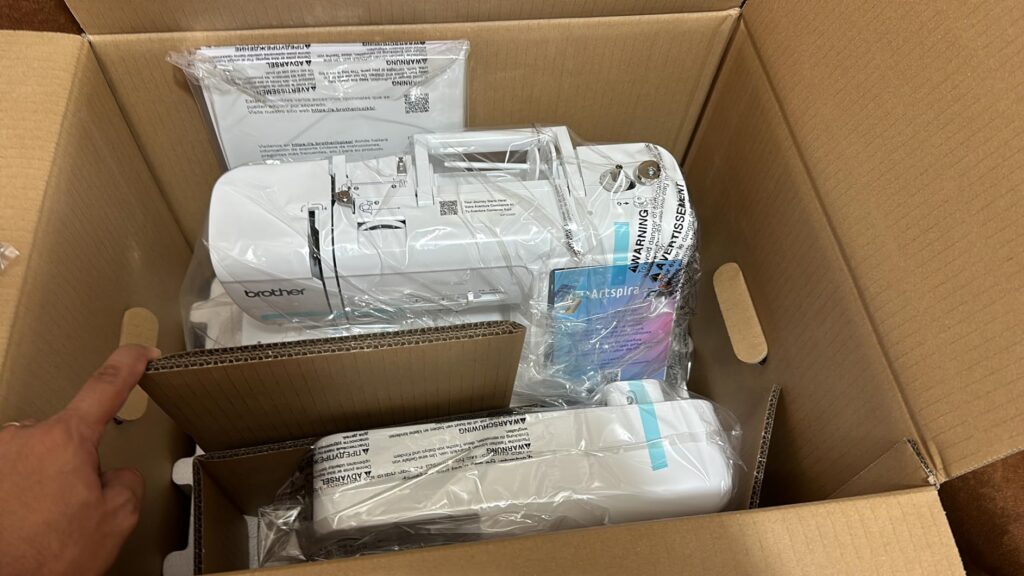
I spent time digging through reviews from people who own these machines. Here are the patterns I noticed.
SE700 buyers who are happy: They knew going in that 4×4 was their limit and they were fine with it. They stuck to small projects. They weren’t surprised.
SE700 buyers with regrets: They thought they’d be happy with 4×4 but weren’t. Almost all of them mentioned outgrowing it faster than expected. The common timeline? 3-6 months before frustration kicked in.
SE2000 buyers who are happy: They wanted the extra capacity and they use it. No regrets about the price.
SE2000 buyers with hesitation: Some mentioned reliability issues with the automatic needle threader. It’s a more complex mechanism, and a few people reported it breaking. You can still thread manually if it breaks, but it’s annoying when a premium feature fails.
The Tension Problem Nobody Mentions
Both machines can have tension issues, but they’re usually user error. This caught my attention because it came up repeatedly.
The most common mistake? Threading the machine with the presser foot down. This causes the thread to not seat properly in the tension discs, and you get bird’s nests on the back of your fabric.
The fix that works 80% of the time: Make sure the needle is at its highest position and the presser foot is UP when you thread. That’s it. Such a simple thing, but it solves so many headaches.
The SE2000 has one additional quirk – sometimes settings don’t save properly after you power it off. If your tension was perfect yesterday and terrible today, check your settings before you start troubleshooting the machine.
What I’d Do (If You Care About My Opinion)
If someone told me they were brand new to embroidery and weren’t sure if it would stick, I’d tell them to get the SE700. Test the waters. See if you even like embroidery before dropping $1,400.
But if they said they’ve been researching for months, they have a list of projects in mind, and some of those projects are bigger designs? SE2000, no question.
The worst case scenario isn’t overspending a bit. It’s buying something you quickly outgrow and feeling stuck.
Here’s my rule of thumb: If you have to ask whether the 4×4 limit will bother you, it probably will.
The people who are perfectly happy with the SE700 never questioned whether 4×4 would be enough. They knew their projects were small and they were content with that.
The people who bought the SE700 while wondering “but what about bigger designs…” almost always ended up wishing they’d spent more upfront.
The Middle Ground Option
If you’re still torn, here’s what some people do: Buy the SE700 now at $539. If you’re still using it regularly after 6-8 months and bumping up against the size limit, sell it used for $300-400 and upgrade to the SE2000.
Yes, you’ll lose some money on the resale, but probably less than buying splitting software and dealing with the headache of divided designs. And if you lose interest in embroidery, you’re only out $539 instead of $1,399.
The used market for these machines is pretty active. People upgrade, people switch hobbies, people buy the wrong machine. You can recoup a decent chunk of your investment if you decide to sell.
The Bottom Line: Brother SE2000 vs SE700
The SE700 at $539 is a legitimately good machine for people who know they want to stick with smaller projects. It’s not a “budget compromise” – it’s the right tool for certain jobs.
The SE2000 at $1,399 is for people who want room to grow, who have specific larger projects in mind, or who value the time-saving features enough to justify the cost.
What it really comes down to is honest self-assessment. Not what you hope you’ll do with the machine. What you’ll actually do.
Because the worst $539 you can spend is on a machine you’ll outgrow in six months. And the worst $1,399 you can spend is on features you’ll never use.
Think about your actual projects, your actual budget, and your actual commitment level. The right answer is different for everyone, and that’s okay. Just make sure you’re buying the machine that matches your reality, not your Pinterest board.
FAQs
Wait, so I can’t just buy a bigger hoop for the SE700?
Yeah, this trips people up all the time. You can buy bigger hoops, but the machine itself still only stitches 4×4 inches max. The embroidery field doesn’t change. You’d need to split designs with software, and honestly? It’s kind of a pain and you still get seam lines.
Is spending almost three times as much actually worth it?
Depends on what you’re making. If you know you’ll be frustrated by the 4×4 limit within a few months, then yeah, absolutely. But if you’re genuinely happy doing smaller stuff? Save your money. Just be honest with yourself about which camp you’re actually in.
I’m totally new to this—which one should I start with?
Most beginners go with the SE700 and that’s usually fine. But here’s the thing: don’t pick based on skill level. Pick based on the size of stuff you want to make. Being a beginner doesn’t mean you only want small designs.
Both machines have tension issues though, right?
They can, but usually it’s because people thread them wrong. Make sure your needle’s all the way up and your presser foot is raised when you thread it. Seriously, that fixes like 80% of the “my tension is terrible” complaints.
How annoying is it to trim jump stitches by hand?
On the SE700? Takes maybe 15-20 minutes after each project. If you’re making one thing a week, whatever, you can do it while watching Netflix. But if you’re cranking out a bunch of projects, that time adds up fast. The SE2000 just does it automatically as it goes.
Can I just get the SE700 now and upgrade later if I need to?
Sure, people do that. You’ll probably get $300-400 if you sell the SE700 used, so you’re not losing everything. Just know that some people wish they’d skipped that step and bought the SE2000 first. Depends on how much that initial savings matters to you right now.